4.3 Server Installation
Installation of Ubuntu Server
01. First, an ISO image of Ubuntu Server is downloaded from the latest releases: https://releases.ubuntu.com/
02. Since the nettops only provide a USB interface for installation media, an Ubuntu ISO image is copied to a USB stick with 8 GB or more under Windows. The tool used for this is Rufus: https://rufus.ie/
03. Start the system and enter the BIOS/UEFI menu using F2 or F10, then boot from the USB stick.
04. Start the installation wizard and select language and keyboard layout.
05. A standard installation is performed.
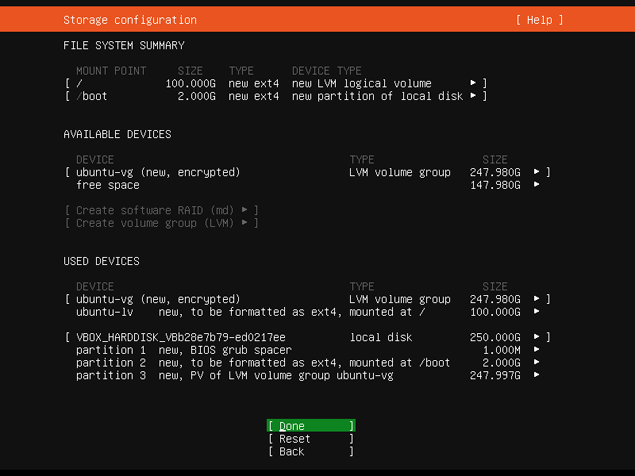
06. No additional partitioning schemes are used during installation.
07. Updates and third-party software are not required.
08. A physical volume is created for full system encryption.
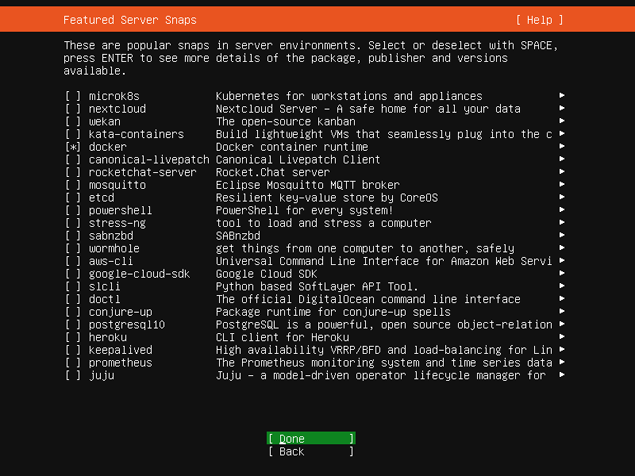
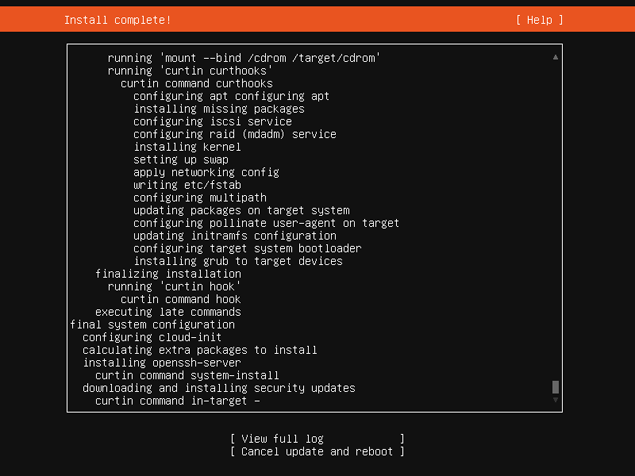
09. Additionally, Docker Runtime is included during installation to isolate applications using container virtualization.
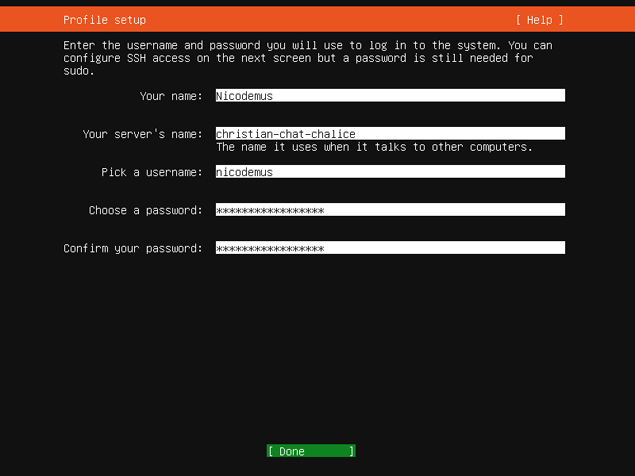
10. Set up the user account, define the location, and complete the installation.